




Liraspin Application
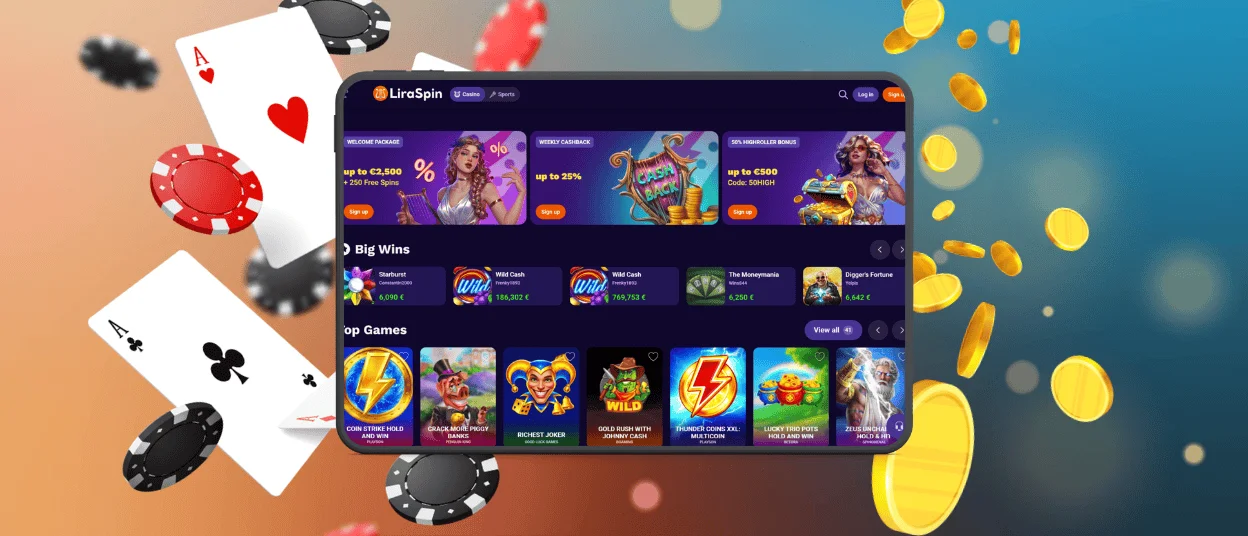
Since the Liraspin app operates as a PWA, it is compatible with almost any modern Android device, as well as iOS phones. This lets you forget about cluttered browser tabs. Fast-loading pages and portrait-friendly games make our mobile casino convenient to use on screens of any size. In addition to the multifunctional gaming platform, you get extra features like mobile payments and push notifications.



Mobile Casino at Liraspin
You have two ways to play at Lira Spin Casino on a phone. Our mobile website fits small screens and works well for occasional slot sessions. If you visit the platform often, the app might suit you better.
With the Liraspin app, you are no longer tied to a computer. You can open a slot or a live table while resting on the couch, or when you travel. You just need internet access to play. The gaming experience also changes depending on your gadget.
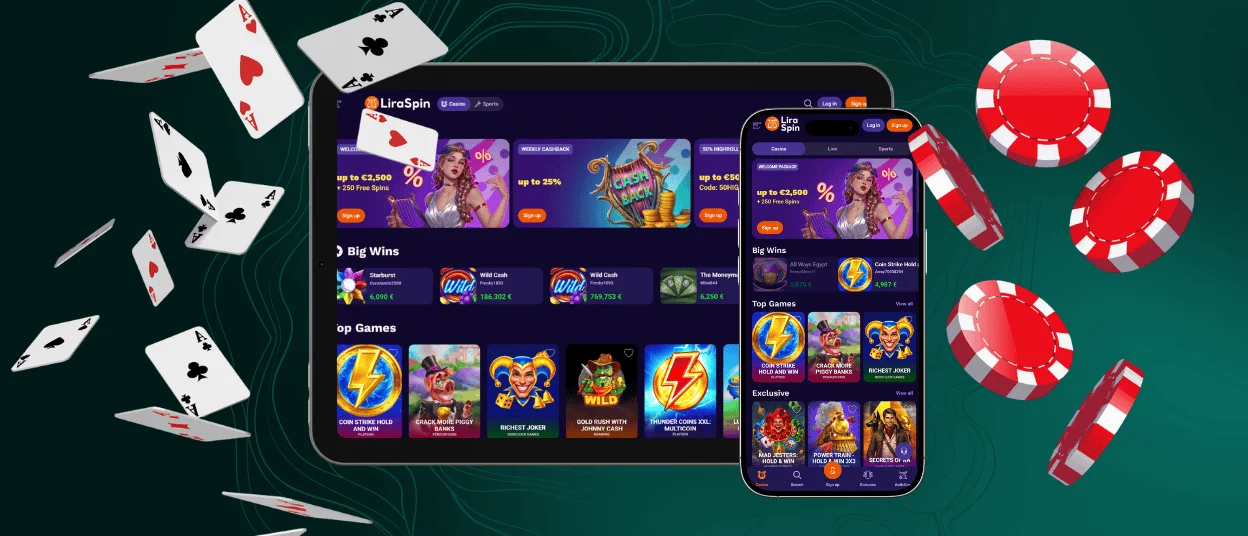
| Device | Gameplay sweet spot | Games that fit the format | Practical advantage |
| Smartphone | Short rounds and one-handed play | Portrait slots and scratch cards, or quick blackjack rounds | Touch controls in the Liraspin app remain within easy reach of your thumb. It features large bet buttons and hidden menus. |
| Tablet | Couch gaming without a full computer | Live casino streams and game shows like Dream Catcher | A larger screen provides more room for the video feed and your betting area. |
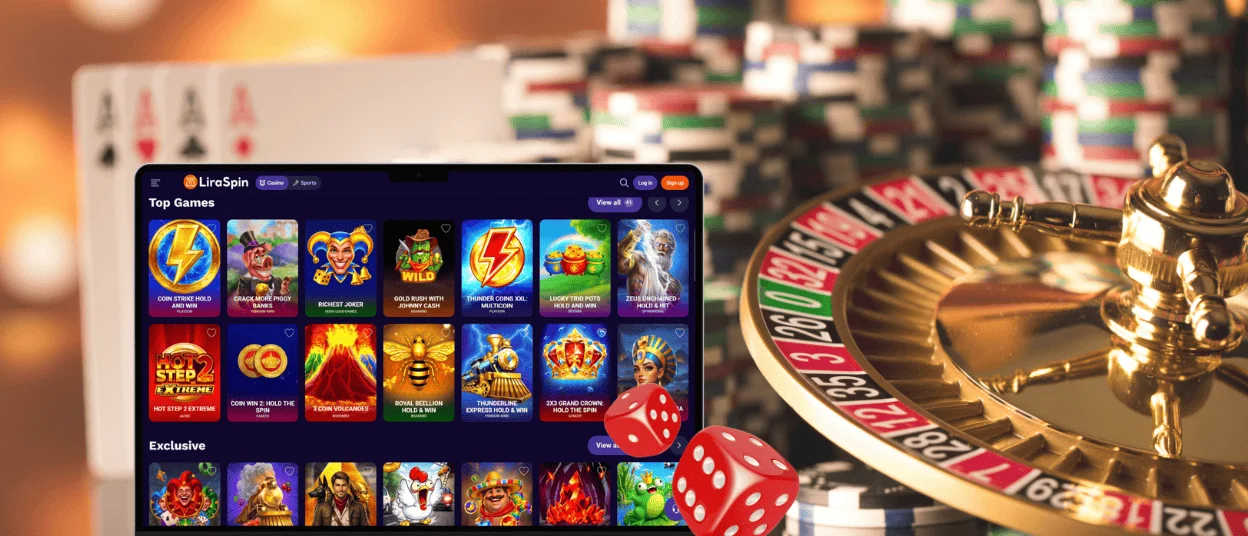
| Desktop or Laptop | Extended play and multitasking | Feature-heavy video slots and roulette variants with numerous bet options | You can keep multiple browser tabs open on one screen and switch between them quickly with a mouse click. |
Liraspin App for Android
It is simple to run casino games directly on your Android device and join our regular tournaments. There is no need to hunt down Liraspin APK files. To install the progressive web app, just open our mobile site and choose the “Add to Home Screen” option in your browser.
The Lira Spin app runs on basic permissions. You only need an internet connection to play. You can also allow push notifications to receive alerts about new bonuses. To get the most out of the games, pay attention to your connection:
- 4G: Standard 4G is perfectly fine to spin online slots or request withdrawals.
- 5G: Best for titles with heavy graphics and background animations.
- Stable private Wi-Fi: When you sit down at mobile live casino tables, always use a private home network to prevent lag and stream interruptions.
We strongly suggest staying off open public Wi-Fi when you use Liraspin Casino. You definitely want to avoid it during the verification process or when handling real money. We apply TLS 1.3 encryption to protect your connection. However, a fake public hotspot might try to intercept your session to redirect you to malicious third-party sites.
Mobile Application for iOS
If you use an iPhone or iPad, you have full access to all our casino games and active bonuses. You can play through the regular mobile website or set up the Liraspin iOS app. To add it to your main screen, follow these steps:
- Load our website on your phone.
- Tap the “Share” icon.
- Scroll down to select “Add to Home Screen.”
The Liraspin app will then show up alongside your other programs. You can move it into any folder and launch the casino with one tap.
Quick Sessions With the Shortcuts App
If you own an iOS gadget, there is a way to make mobile gaming much more convenient. The Shortcuts App allows you to save a specific page of Liraspin Casino to your home screen. This gives you a shortcut to help you begin your session faster.
| Saved page | Main benefit |
| Favorite games | Loads your personal list of favorite slots and instant win titles right away. You do not need to use the search bar. |
| Wallet | Makes it easy to check your Lira Spin Casino balance and figure out your bankroll before you make a deposit. |
| Bonus section | Helps you check our new promotions or review the progress on your active rewards before playing. |
Liraspin App for Windows and macOS
If you want to play games in a separate app but still prefer a traditional PC setup, we have a simple answer. The Liraspin Casino PWA works on computers and laptops. To add it to your desktop, just open our site and click the monitor icon with the arrow in your address bar.
After that, you do not need to open a browser to start a poker session or play slots. The Lira Spin Casino app for PC also features push notifications. When you activate them, you will receive alerts for active tournaments and casino missions right in your notification center.
FAQ
Does uninstalling the Liraspin app delete my account?
No, deleting it only clears the local casino files from your device. To erase your actual profile, you have to contact our support team directly. You can speak to us via live chat or just write us an email.
What should I do if the app crashes or freezes?
The quickest way to fix a frozen program is to clear the cache of your main mobile browser. You might also need to force-close the browser entirely and start a fresh session to get the games running properly again.
How do I update the Liraspin Casino app?
You never have to update the mobile software yourself. Because it is a PWA, the app updates automatically in the background when we release new features or patch platform bugs. The next time you log in, you will already be on the latest version of Lira Spin Casino.


